
Building a GPU PC, Part 4: Off to Akihabara! Choosing a CPU

Hello, and welcome. Let's get started on building a PC.
For this series, we asked Jun, a young engineer at Qualiteg, to share a candid, first-hand account of building a GPU machine from scratch.
I'm Jun, a software engineer.
One morning I arrived at the office and found an envelope sitting on my desk.
What is this?
I opened it and found a letter inside.
It was handwritten, of all things, in thick black marker, and it read as follows.

Dear Jun,
Welcome to Qualiteg!Here we have a rule: every member builds at least one GPU machine of their own.
There is 450,000 yen in the envelope. Take it to Akihabara and buy the parts for a PC.
Some hints are listed below. Good luck!(1) The CPU can be either 12th or 13th generation.
(2) Since the machine will be used mainly for GPU workloads, a Core i5-class CPU is sufficient.
(3) Motherboard chipset: Z690 for a 12th-gen CPU, or Z790 for a 13th-gen CPU. ATX form factor.
(4) System memory of 64 GB or more. Either DDR4 or DDR5 is fine.
(5) A consumer graphics card is fine, but pick one close to the top of the lineup.
(6) SSD of 1 TB or more.
(7) Power supply of 800 W or more, 80 PLUS Titanium.
(8) Make sure the graphics card actually fits in the case!
Once you get to Akihabara, I'm sure you'll figure out the rest (^^♪
It was a note asking me to go and buy a GPU machine.
It had been a long time since I had chosen PC parts or built a machine, and now I would be carrying 450,000 yen in cash.
Honestly, I was nervous, but I took the note and boarded the Keihin-Tohoku Line.
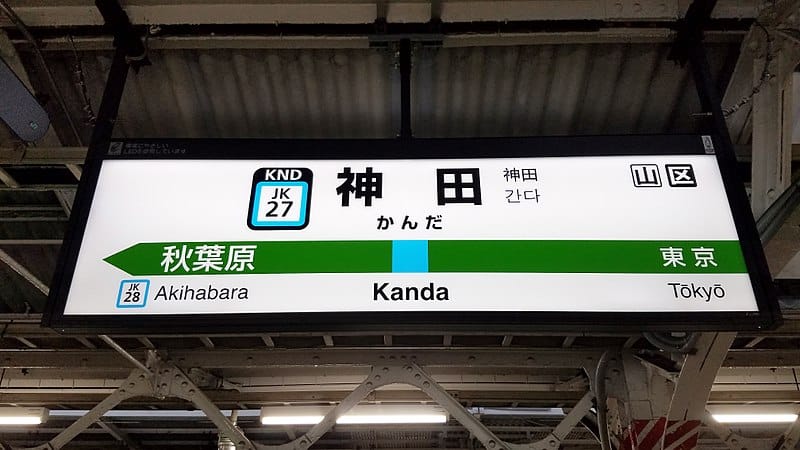
Come to think of it, our office is in Kanda, so Akihabara is within walking distance. But the tension of carrying 450,000 yen had me jumping onto a train before I knew it.
While I was mulling this over, I arrived in Akihabara in no time.

Akihabara was once the mecca for PC enthusiasts, and it is still a lively and fun place to visit.
What makes Akihabara remarkable is that all the famous PC-building shops are gathered here: Tsukumo, Dospara, PC Koubou, and more. And the staff are genuinely helpful and knowledgeable. It is easy to see why everyone says Akihabara is the only place to go if you enjoy building PCs.
Choosing a CPU
So, following the note, I decided to start with the CPU.
(1) The CPU can be either 12th or 13th generation.
(2) Since the machine will be used mainly for GPU workloads, a Core i5-class CPU is sufficient.
When you walk into a PC-building shop, there is usually a printed price list of PC parts posted somewhere prominent, such as near the register.
It also lists the current best-selling models, which makes it very handy for gathering information and comparing prices.
While I was studying the model names and prices of the 12th- and 13th-generation CPUs, a staff member came over to talk to me.
"Are you looking for something in particular?"
Me: "Y-yes, actually, I'm planning to build a PC for AI work and I'm looking for a CPU. Twelfth or thirteenth generation..."
"In that case, something around here would do."
What he pointed to was a 13th-generation Core i5.
Me: "Right, the GPU will handle the computation, so an average CPU is fine. Something like an i5, I suppose. But is there anything cheaper?"
"If you want to go a bit cheaper, there is also the i3."
Me: "Between the i5 and the i3, the i3 has lower performance, right?"
"You could say it is lower, but where you actually feel the difference is in the number of cores and threads. If you plan to run software that makes use of many cores and threads, then an i5 is a better fit than an i3, and an i7 is a better fit than an i5."
I was a little embarrassed at having used a phrase like "lower performance," which is hardly becoming of an engineer, but the staff member's point was well taken.
Since I would only be using the GPU and did not need that many cores, I was about to settle on a 13th-generation Core i3 when something came back to me.
Come to think of it, besides LLMs (which broadly fall under deep learning), I was also working on classification problems on Kaggle.
I remembered that I had been practicing on Kaggle, where I was also trying my hand at algorithms such as XGBoost, which belong more to classical machine learning than to deep learning.
For deep learning inference alone, an Core i3 might get the job done, but for algorithms like XGBoost, where more CPU cores is an advantage, the core count suddenly started to matter to me.
Looking at the price list again from that angle, I noticed that the 13th-generation Core i5-13600 and the 12th-generation Core i7-12700 were priced quite close to each other.
At a glance, their performance was similar too: the 13th-generation i5-13600 (14 cores, 20 threads) versus the previous 12th-generation i7 12700 (12 cores, 20 threads).
Hmm, what to do.
After agonizing for 10 minutes (it felt like 60), I still could not decide on a CPU at this point.
But I had narrowed it down to these two.
- 13th-generation Core i5-13600
- 12th-generation Core i7-12700
Both were priced at around 50,000 yen.
Looking beyond DIY builds toward GPU environments for research and business?
The know-how gained from building your own GPU machine carries over directly to infrastructure choices for research, PoCs, and production.
We build and operate our own GPU cluster in-house and develop LLM products on it. We can also support a wide range of needs, from procuring GPU workstations for research to Intel Core and Intel Xeon architectures, covering everything from consumer to professional use. Beyond helping you procure and build workstations, we advise on what comes next, from setting up training environments to selecting the right GPUs, optimizing inference, and designing distributed configurations, all based on hands-on operational experience.
See our LLM infrastructure and platform technology services →Jun has stalled right out of the gate on choosing a CPU. Will he manage to gather all the parts?
Next time: choosing a motherboard and settling on the CPU. Stay tuned!
navigation




