
Building a GPU PC, Part 15: Software – Installing Ubuntu

Hello!
Let's install Ubuntu 22.04 on the GPU machine from the USB drive we created last time.
2.0 Connect the LAN cable
Before installing, connect a LAN cable to the GPU machine so that it has internet access.
2.1 Boot from the USB drive
Insert the USB drive created in section 2.1 into a USB port on the GPU machine.
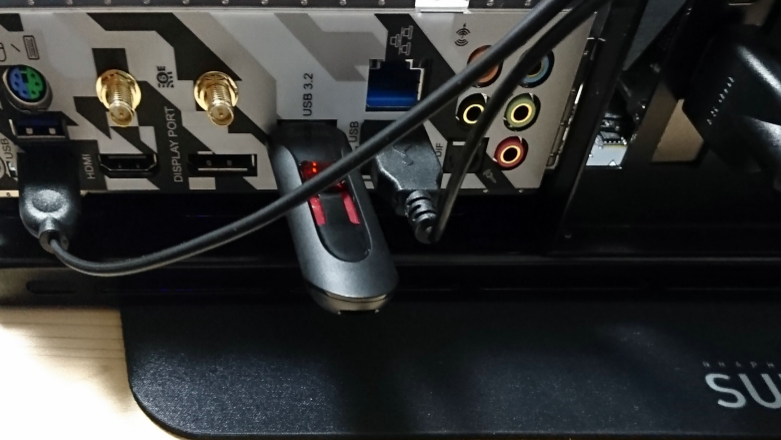
Once the USB drive is inserted,
press the power button on the PC case to turn it on.
The motherboard's initial boot screen will appear; hold down F11 on the keyboard and wait.

When the boot device selection screen appears, select UEFI: USB and press Enter.
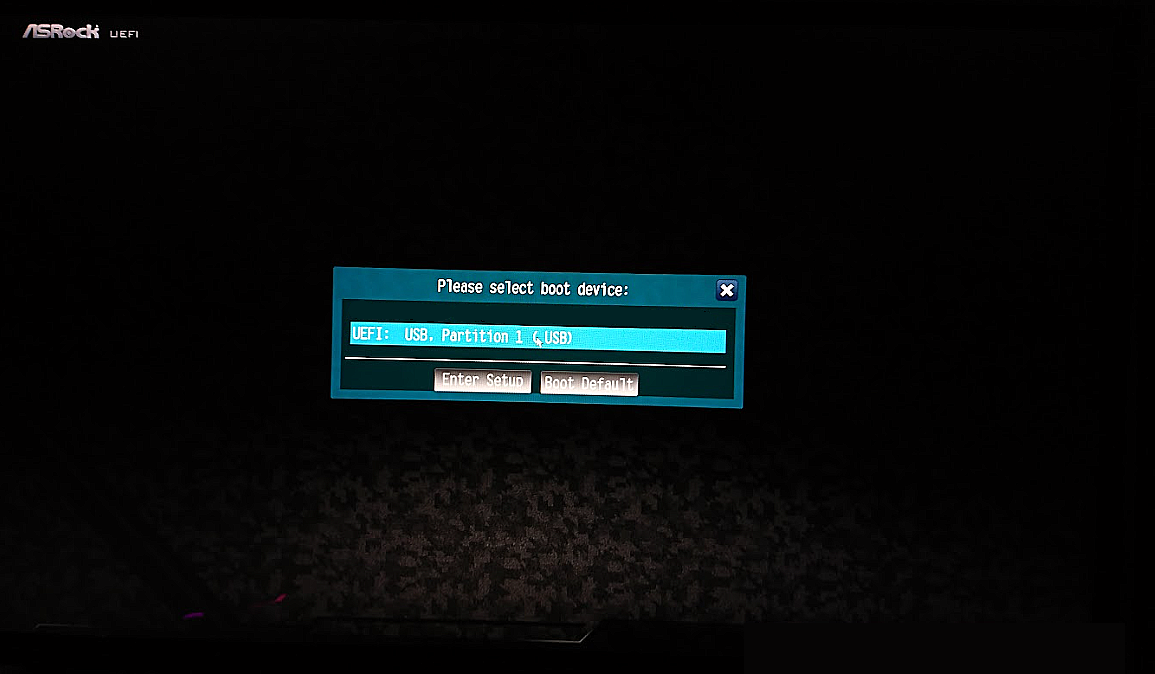
After a short while the Ubuntu installation screen appears, so select
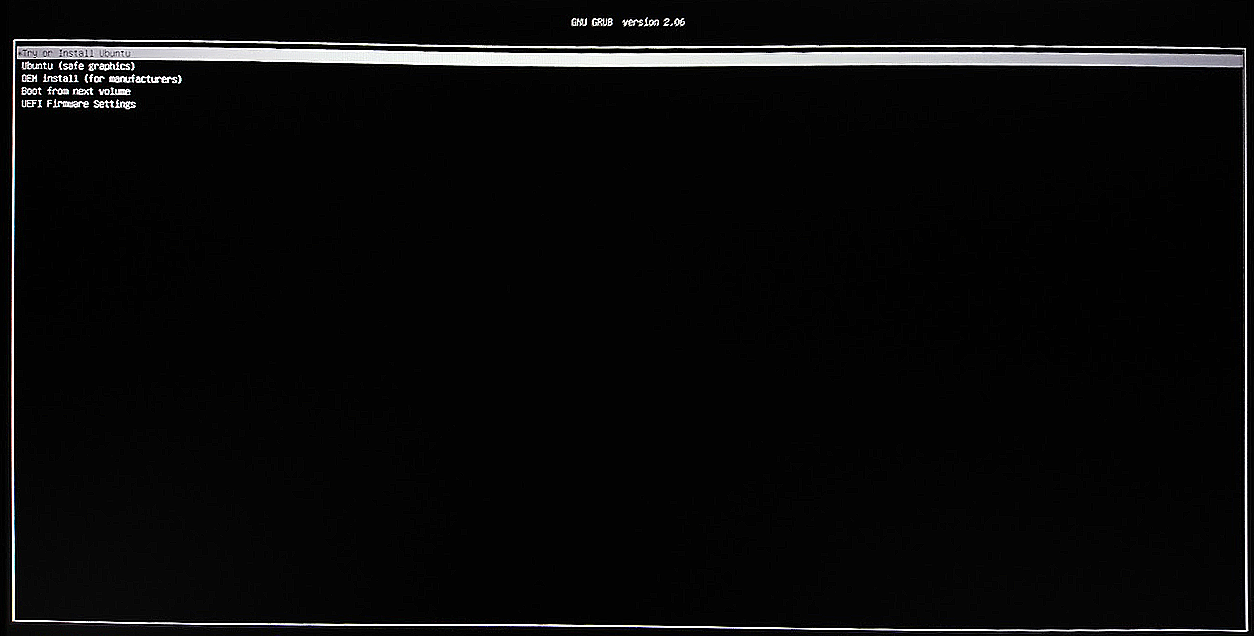
Try or install ubuntu and press Enter.
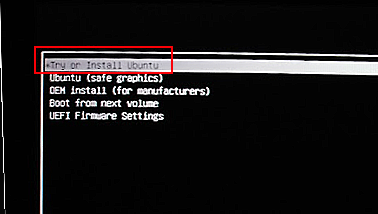
Now wait for the Ubuntu installation to start.
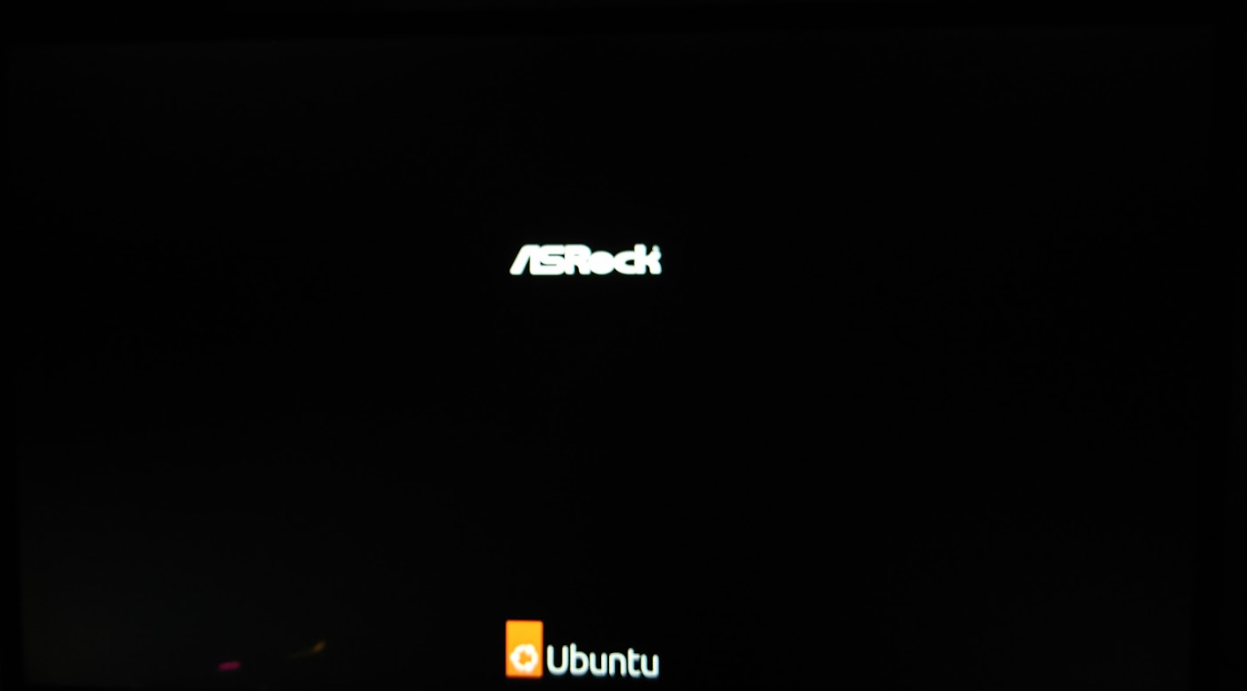
2.2 Installing the Ubuntu OS
Once the Ubuntu OS installer starts, click Install Ubuntu.
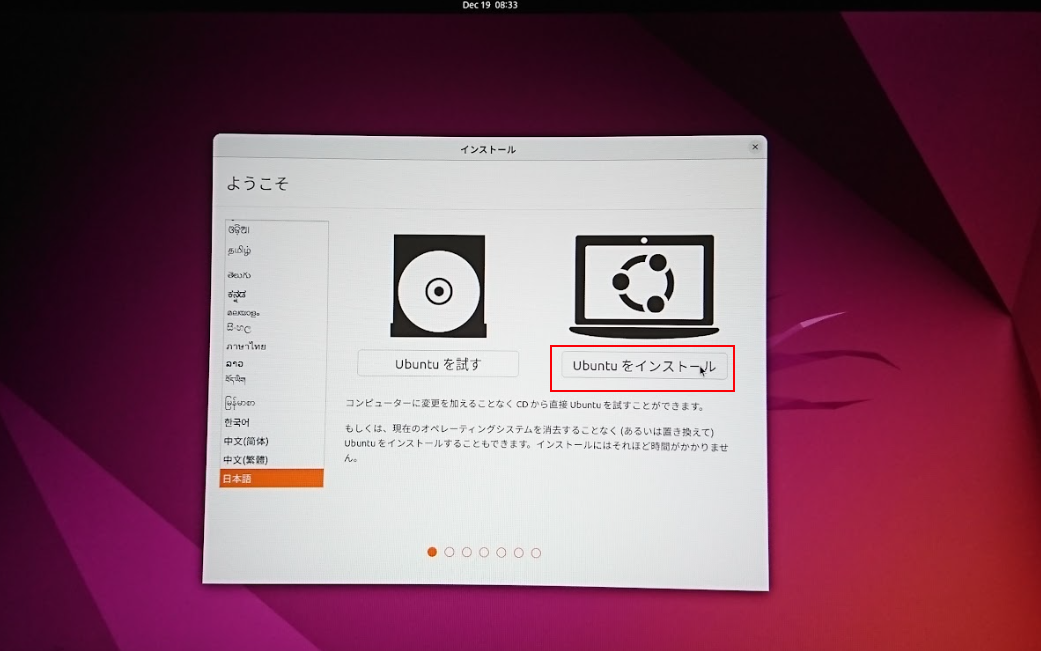
We set the language to Japanese.
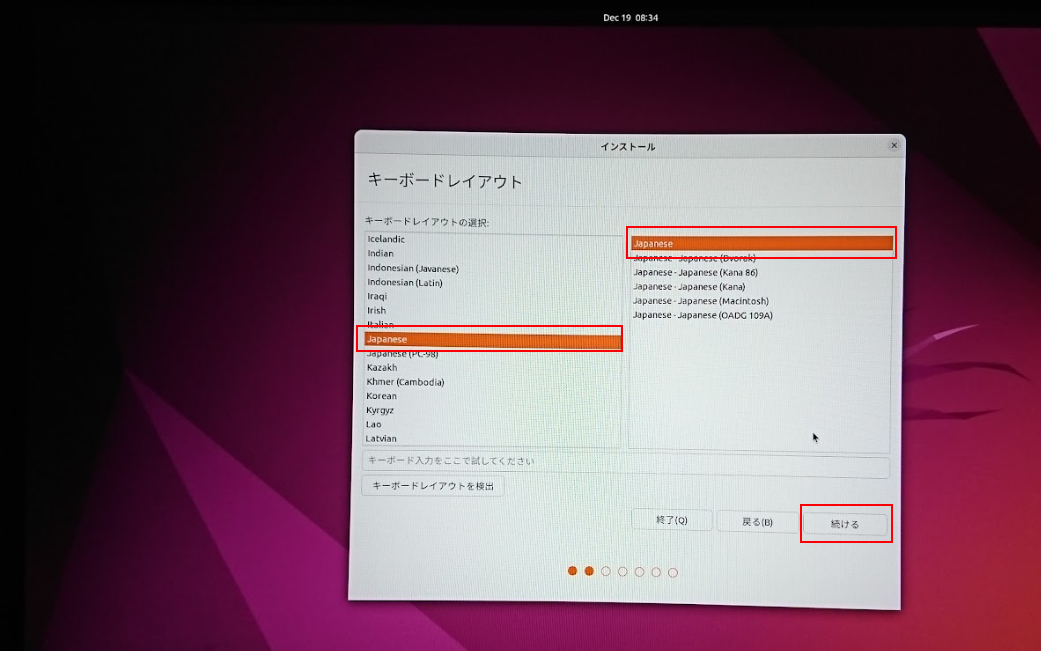
On the wireless settings screen, if you are connected via wired LAN, simply click Continue without changing anything.
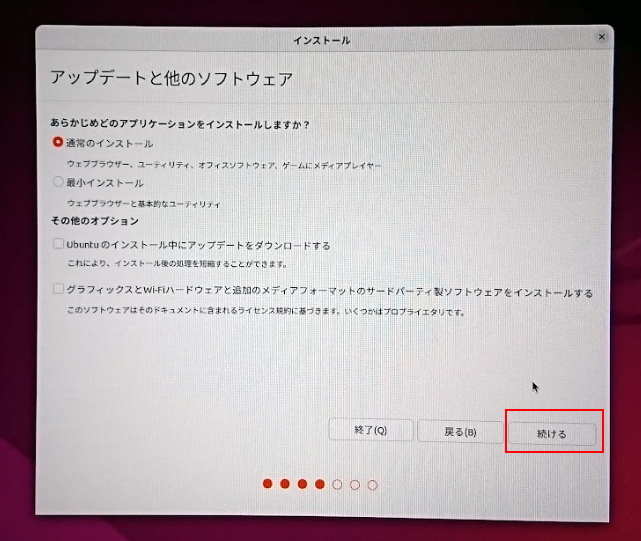
On the Updates and other software screen, make sure only Normal installation is checked and click Continue.
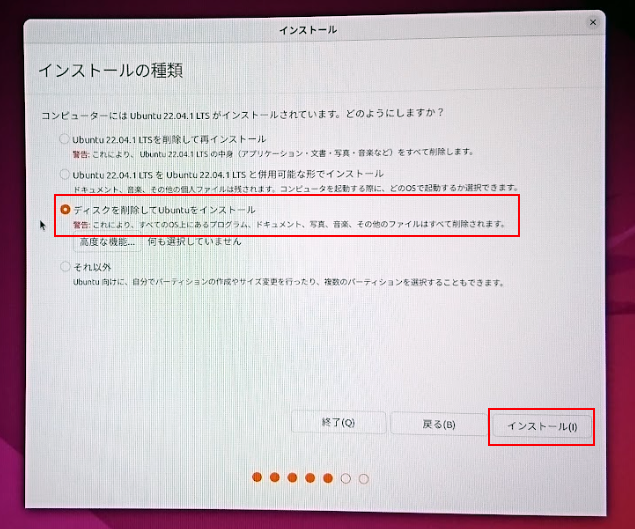
On the Installation type screen, since we are installing onto a clean SSD,
select Erase disk and install Ubuntu and click Install Now.
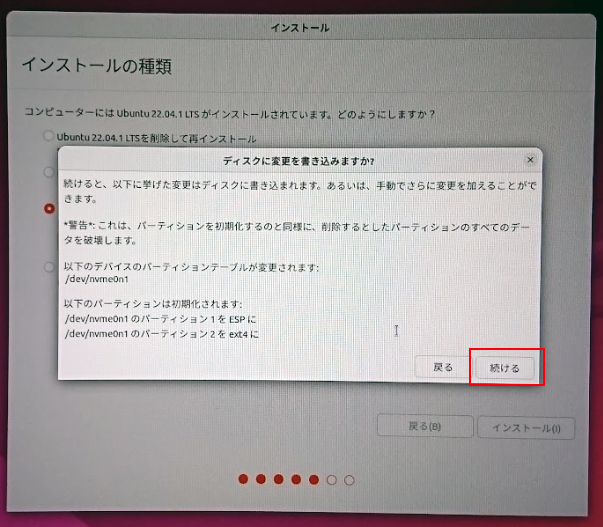
A warning like the one below will appear; review it and click to proceed.
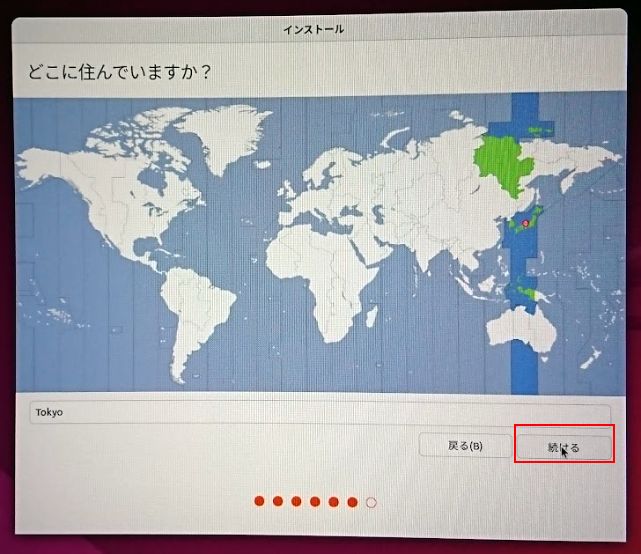
On the locale screen, confirm that it is set to Tokyo and click Continue.
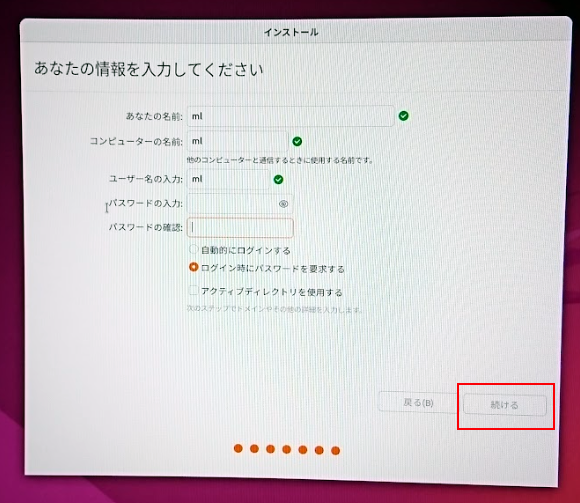
Next, enter a user name and computer name, then click Continue.
At this point, file copying and so on begins, and after a while the Ubuntu OS installation completes.
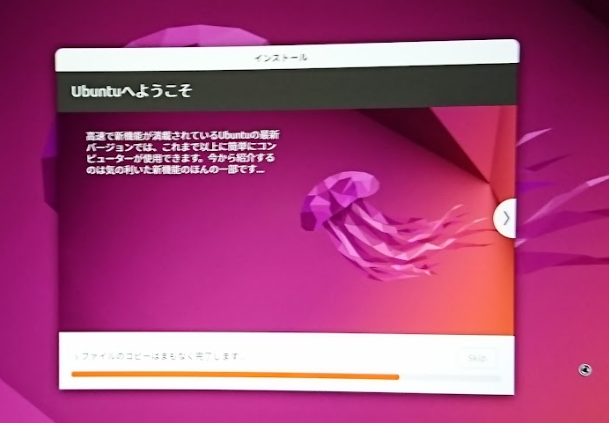
That concludes the OS installation. Well done!
Looking beyond DIY builds toward GPU environments for research and business?
The know-how gained from building your own GPU machine carries over directly to infrastructure choices for research, PoCs, and production.
We build and operate our own GPU cluster in-house and develop LLM products on it. We can also support a wide range of needs, from procuring GPU workstations for research to Intel Core and Intel Xeon architectures, covering everything from consumer to professional use. Beyond helping you procure and build workstations, we advise on what comes next, from setting up training environments to selecting the right GPUs, optimizing inference, and designing distributed configurations, all based on hands-on operational experience.
See our LLM infrastructure and platform technology services →Next time, we will go through the initial configuration of Ubuntu.
navigation



