
Building a GPU PC, Part 18: Software – Installing Anaconda

In this installment, we install Anaconda.
Python applications are generally run inside a virtual environment created for each application. Two tools are commonly used to build such virtual environments: Anaconda, or Python's built-in venv.
This time, we will go with Anaconda.
4.1 Installing Anaconda (the Python environment)
STEP 1: Download Anaconda3
Open Chrome and go to the following page:
https://www.anaconda.com/distribution/#download-section
The site automatically shows the Linux version, so download that one.
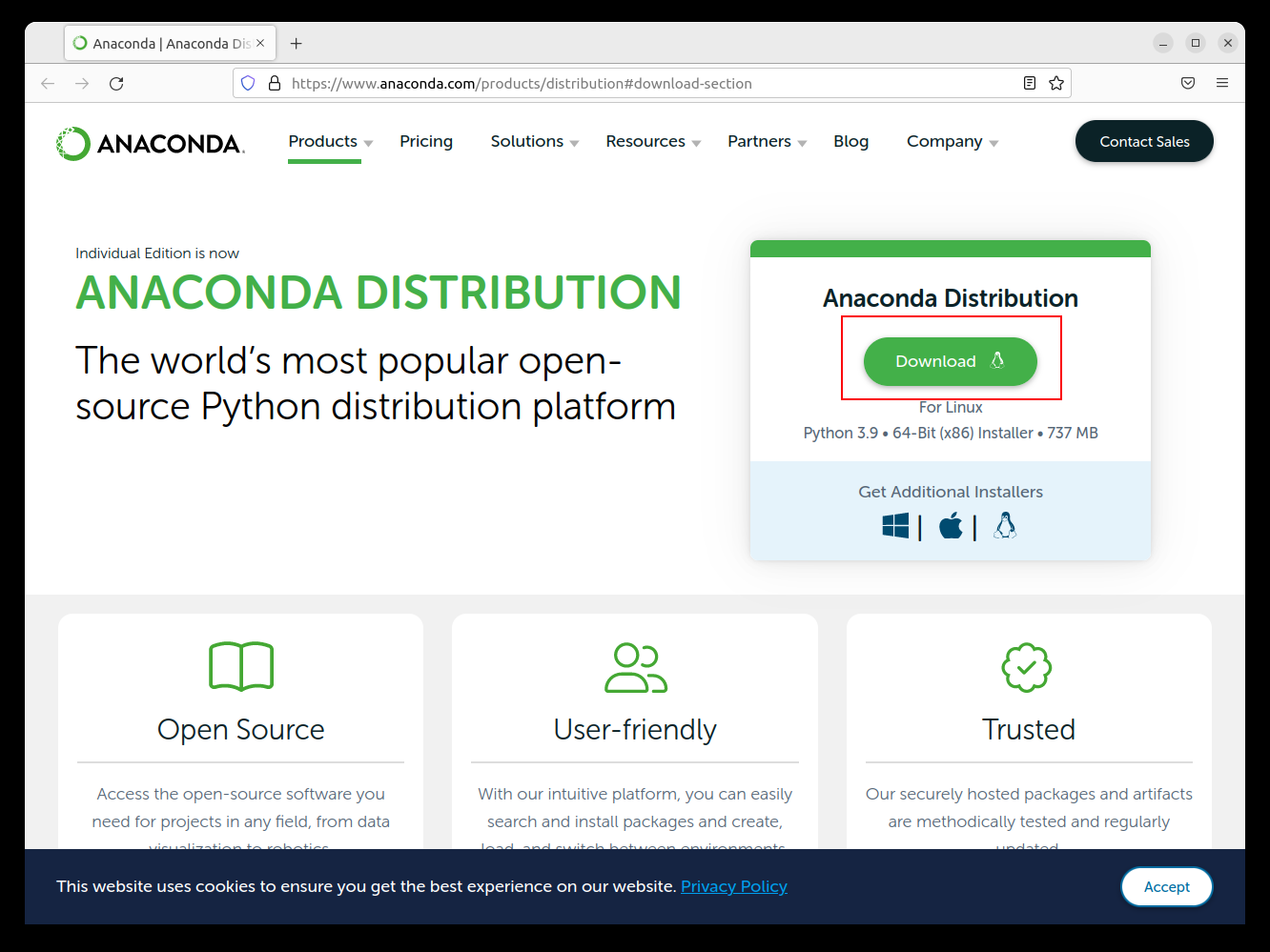
STEP 2: Run the installer script
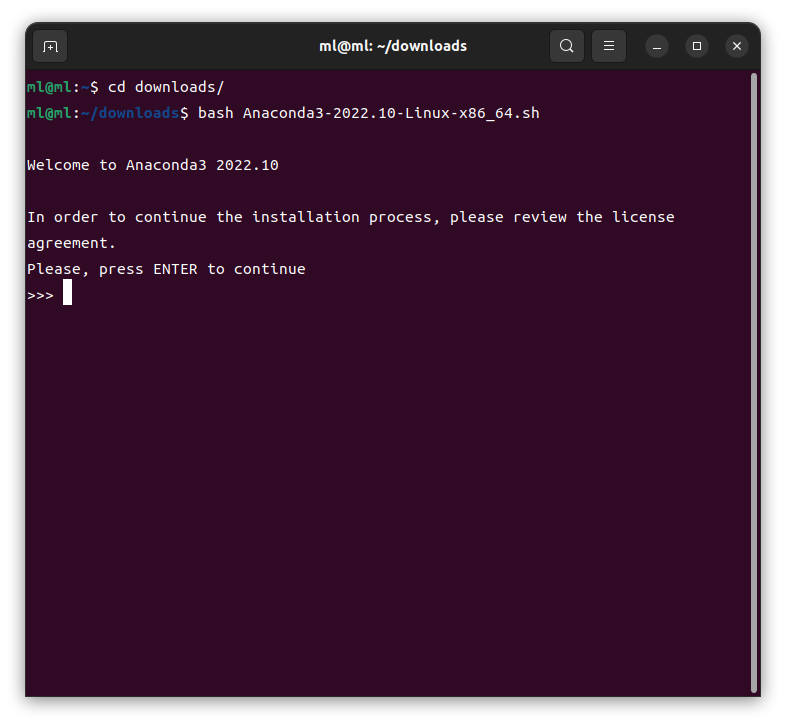
cd downloads
bash Anaconda3-2022.10-Linux-x86_64.sh
Press Enter and you will be able to scroll through the license agreement.
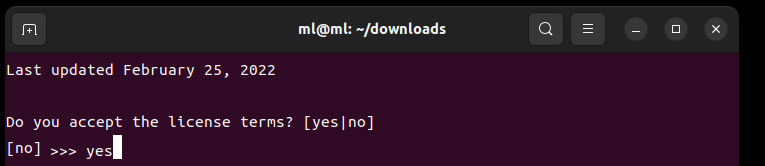
If the terms are acceptable, type yes.
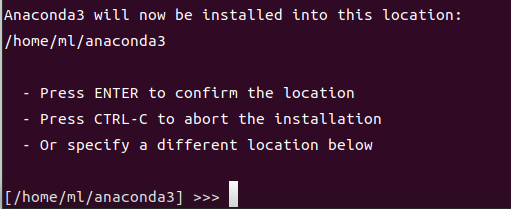
As shown in the figure below, the installer asks whether the Anaconda installation directory is fine as is. Press Enter to confirm the destination.
When the installation finishes, you will see the following prompt:
Do you with the installer to initialize Anaconda3 by running conda init? [yes|no]
(It is asking whether you want to run conda init to initialize Anaconda3.)
yes
Type yes and press Enter.
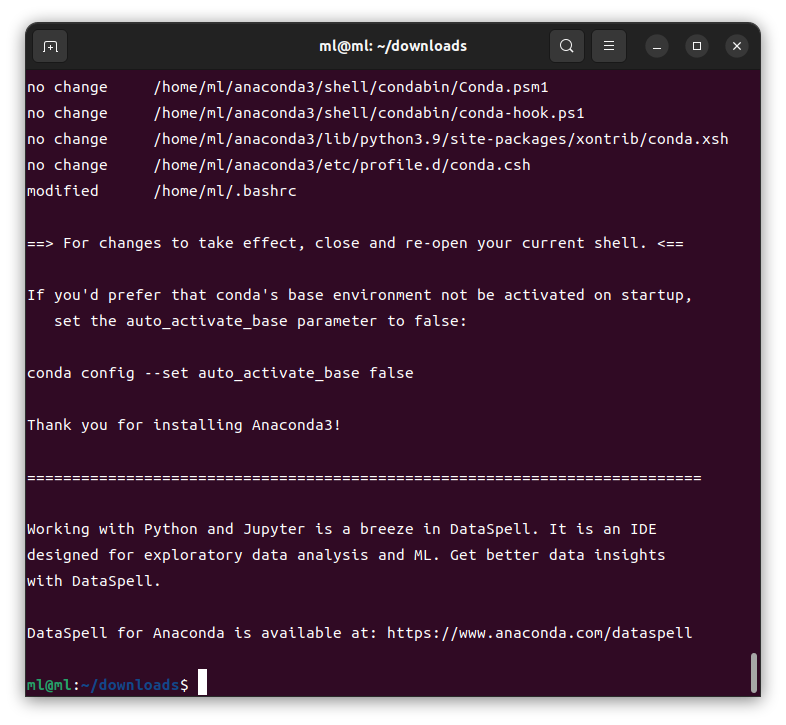
That completes the installation of Anaconda3.
Python has been installed at the same time as well.
STEP 3: Confirm that Python works
Once the Anaconda installation is complete, close the terminal and open it again.
After reopening the terminal, run the following command to check the installed Python.
Python version:
$ python --version
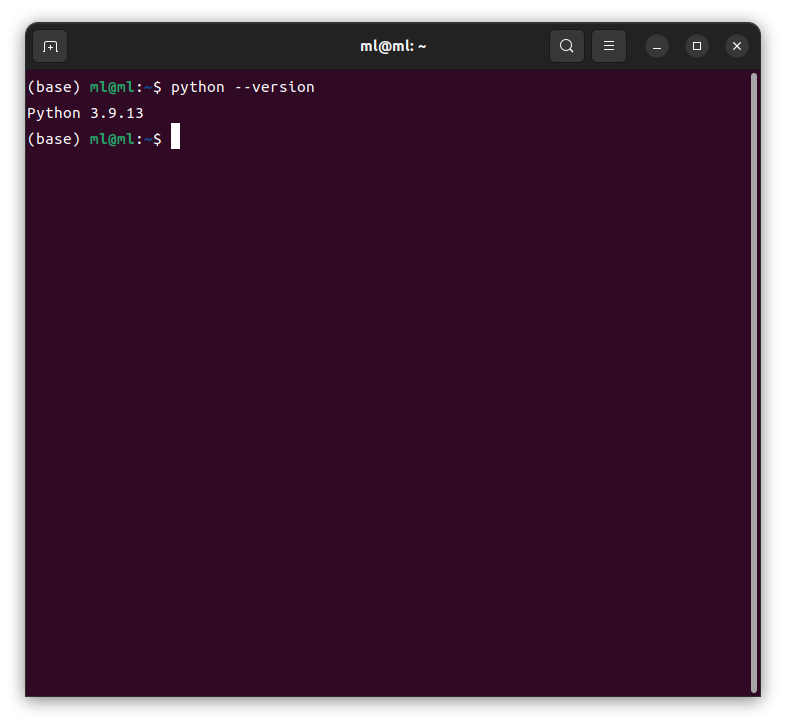
Python has now been installed successfully.
At this point, both Python and the conda command are installed, and you are ready for basic Python development.
Looking beyond DIY builds toward GPU environments for research and business?
The know-how gained from building your own GPU machine carries over directly to infrastructure choices for research, PoCs, and production.
We build and operate our own GPU cluster in-house and develop LLM products on it. We can also support a wide range of needs, from procuring GPU workstations for research to Intel Core and Intel Xeon architectures, covering everything from consumer to professional use. Beyond helping you procure and build workstations, we advise on what comes next, from setting up training environments to selecting the right GPUs, optimizing inference, and designing distributed configurations, all based on hands-on operational experience.
See our LLM infrastructure and platform technology services →In the next installment, we will install CUDA and PyTorch.
navigation



