
When the MSI PRO Z790-A MAX WIFI Can't Connect to the Network

If neither wired LAN nor Wi-Fi works with the combination of an MSI PRO Z790-A MAX WIFI motherboard and Windows 11 Pro, go to MSI's website and install the LAN drivers.
https://jp.msi.com/Motherboard/PRO-Z790-A-MAX-WIFI/support#driver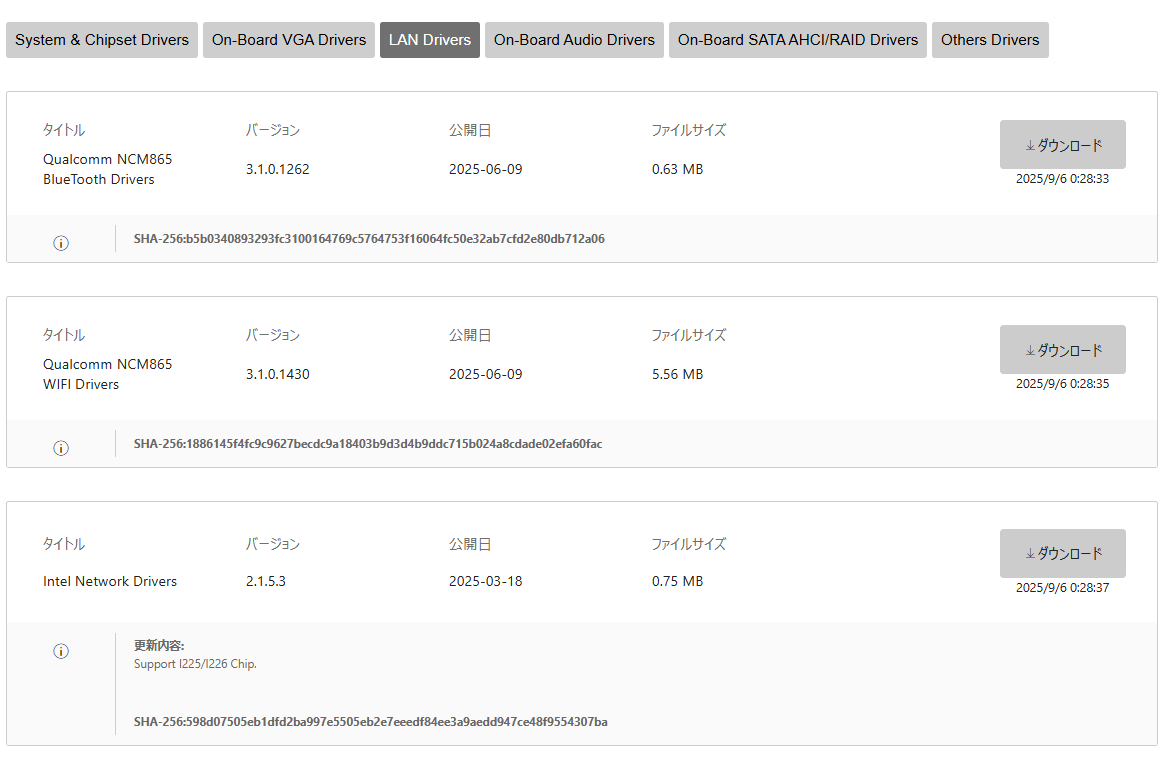
From the page above, select LAN Drivers, download the package, extract the ZIP, and copy it onto a USB flash drive or similar media.
On the Windows 11 machine, open Device Manager. You should see an "Ethernet Controller" listed as an unknown device—apply the driver you just downloaded to it.



