
How to Fix "NVIDIA GeForce RTX 50xx with CUDA capability sm_120 is not compatible with the current PyTorch installation."

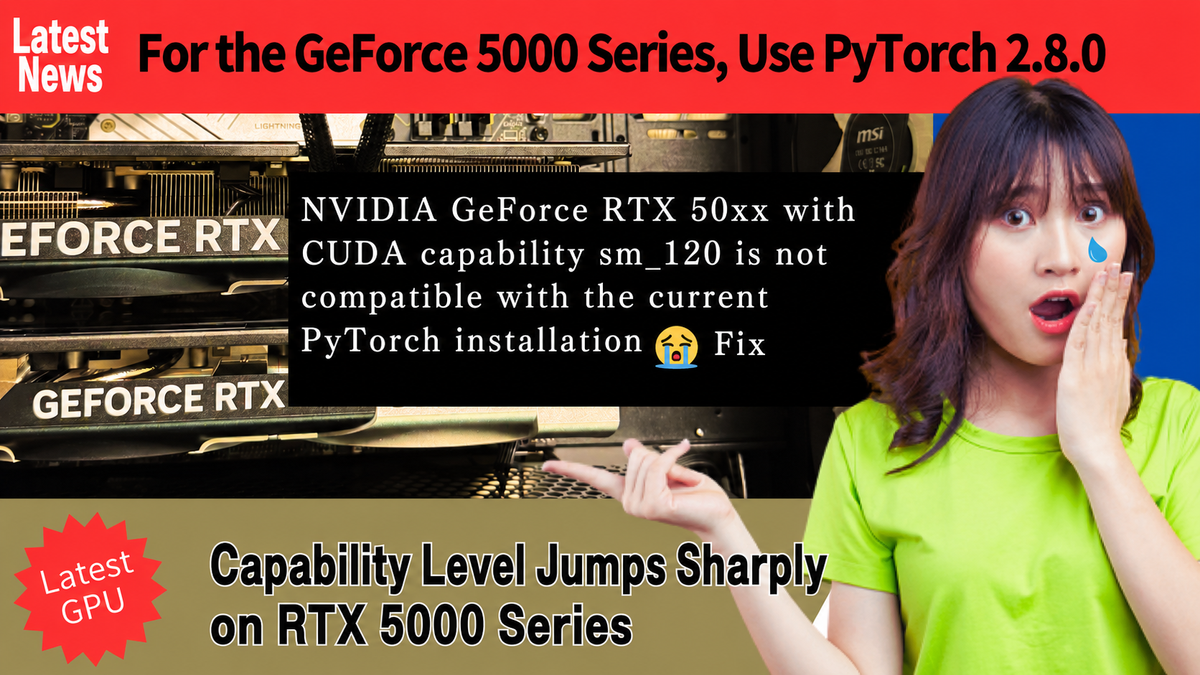
Hello! In this post, we explain how to deal with the following problem in a PyTorch 2.6.0 environment.
NVIDIA GeForce RTX 5090 with CUDA capability sm_120 is not compatible with the current PyTorch installation.
The current PyTorch install supports CUDA capabilities sm_50 sm_60 sm_70 sm_75 sm_80 sm_86 sm_90.
On other Blackwell GeForce cards, the message looks like this.
NVIDIA GeForce RTX 5080 with CUDA capability sm_120 is not compatible with the current PyTorch installation.
The current PyTorch install supports CUDA capabilities sm_50 sm_60 sm_70 sm_75 sm_80 sm_86 sm_90.

NVIDIA GeForce RTX 5070 with CUDA capability sm_120 is not compatible with the current PyTorch installation.
The current PyTorch install supports CUDA capabilities sm_50 sm_60 sm_70 sm_75 sm_80 sm_86 sm_90.

NVIDIA GeForce RTX 5060 with CUDA capability sm_120 is not compatible with the current PyTorch installation.
The current PyTorch install supports CUDA capabilities sm_50 sm_60 sm_70 sm_75 sm_80 sm_86 sm_90.

NVIDIA GeForce RTX 5060Ti with CUDA capability sm_120 is not compatible with the current PyTorch installation.
The current PyTorch install supports CUDA capabilities sm_50 sm_60 sm_70 sm_75 sm_80 sm_86 sm_90.
This occurs because PyTorch 2.6.0 only supports compute capability levels up to SM_90, so you need to update PyTorch to the latest version.
For details on PyTorch support by GPU (compute capability level), see the following article
●PyTorch Versions and NVIDIA GPU Compute Capability Level Support
https://journal.qualiteg.com/pytorch_and_supported_gpu_version/
Installing the Latest PyTorch (PyTorch 2.8.0)
As of this writing (September 10, 2025), the latest stable release of PyTorch is 2.8.0, so that is the version we will install.
The CUDA release that targets GPUs with SM_120 capability, such as the RTX 5070 Ti, is CUDA 13.0 — but no PyTorch build for CUDA 13.0 has been released yet. So here we install the latest PyTorch v2.8.0 built for CUDA 12.8.
Uninstall the existing PyTorch
pip uninstall torch torchaudio torchvisionInstall the latest PyTorch
pip install torch2.8.0+cu128 torchvision0.23.0+cu128 torchaudio==2.8.0+cu128 --index-url https://download.pytorch.org/whl/cu128With that, everything now runs on the latest GeForce 50 series!
Turning the latest GPUs into a production LLM foundation.
Once you have the latest generation like the RTX 5090 up and running, the next question is how to build it into a real foundation. We operate our own GPU clusters and develop LLM products in-house.
From GPU selection to inference optimization (quantization, vLLM) and multi-GPU / multi-node distributed configurations, we offer practical advice grounded in real operational experience.
Explore our LLM infrastructure services →


